Objective
Describe how to remove a Service on OpMon using the Configuration Wizard. This process can be realized using advanced configuration area also.
Requirements
You need to be a user with administrative privileges (opmonadmin).
Removing a Service
a) Click on “Management” area and then on “Services” to access Services Management area, according to example shown below:

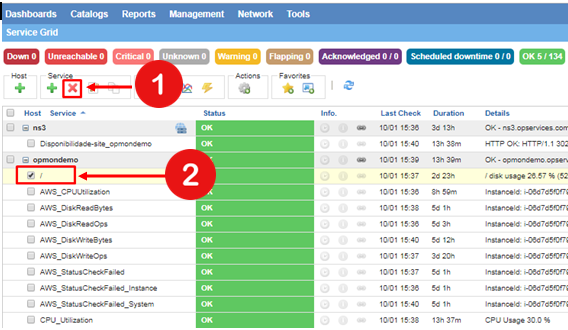
b) Select the specific Service or Services that you want to remove and then click on icon to remove it, according to example shown below:
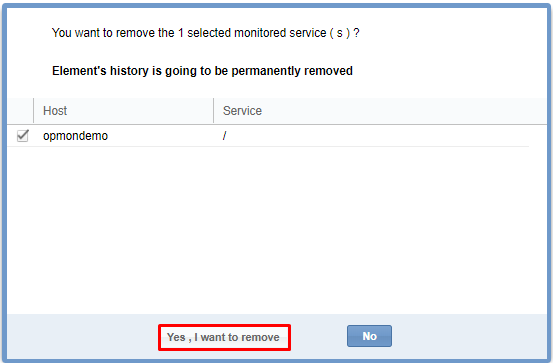
c) Click on “Yes, I want to remove!” to conclude this process, according to example show bellow: